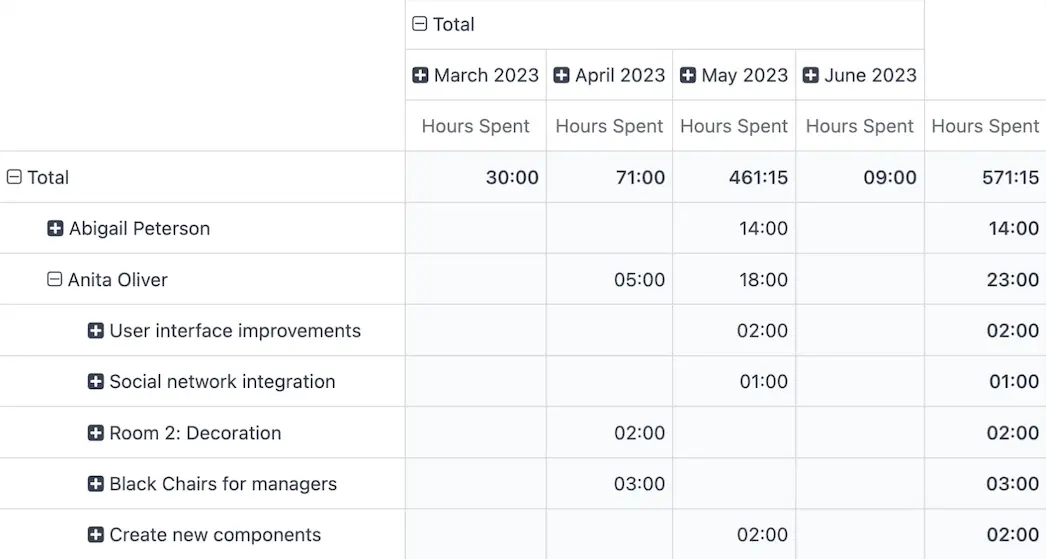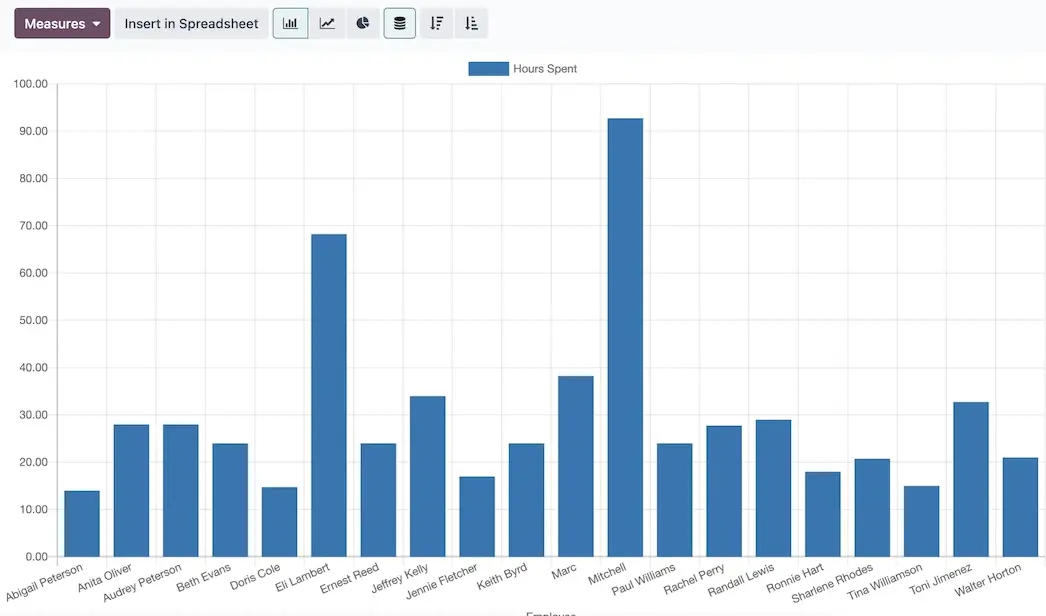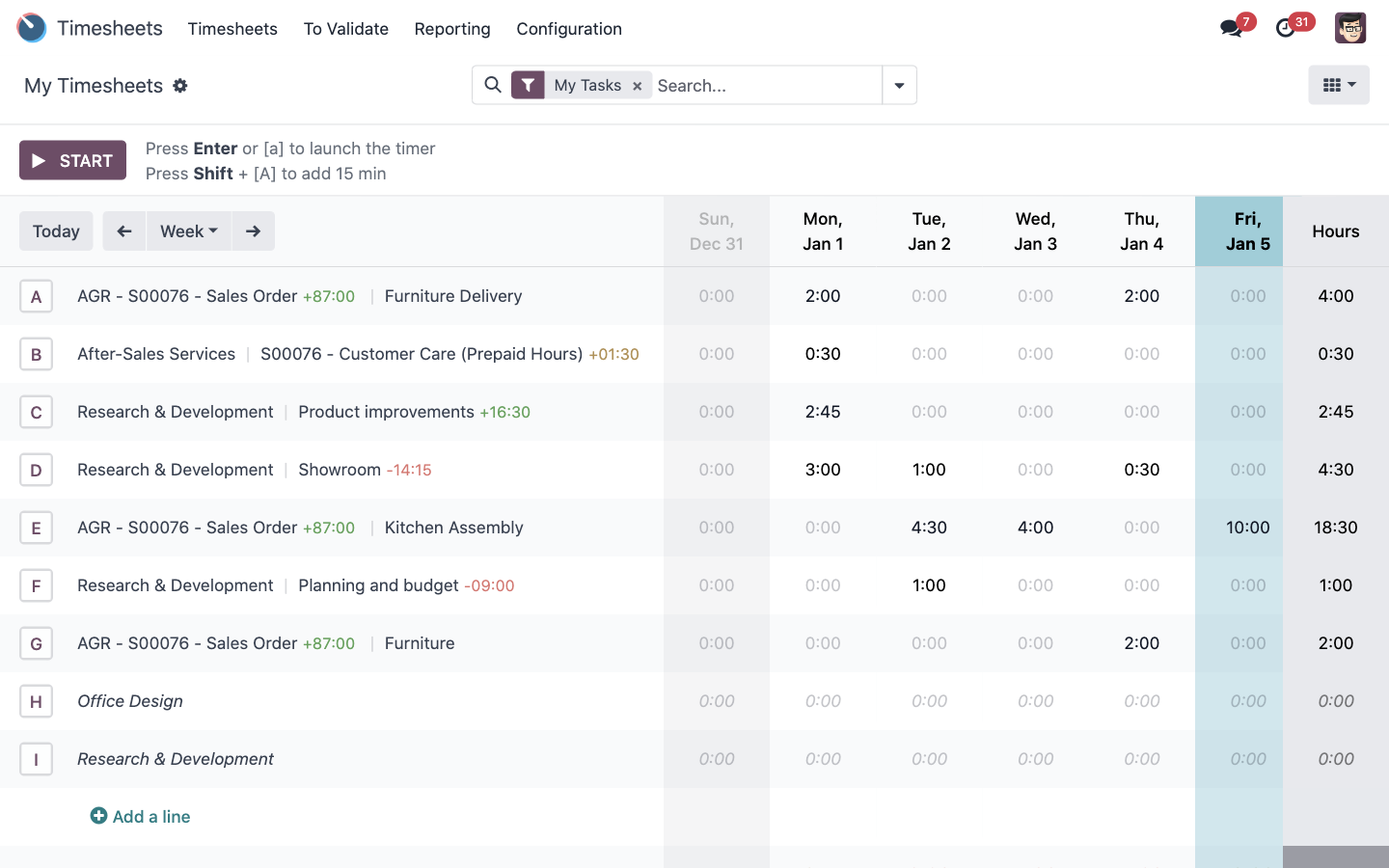
IT Outsourcing is sold in engineer time, so time is the product — and untracked time is unpriced product. Odoo Timesheets captures hours where the work happens: on a ticket, on a site visit, on a rollout task. Odoo Project then shows what each engagement cost, what it billed, and whether it was worth doing again.
With four engineers, a couple of unbilled hours a week per person is a meaningful share of capacity — and it never shows up as a loss anywhere, because it was never recorded as work. Measuring it is the entire fix.
Timesheets fail when they're a Friday-afternoon memory exercise. In Odoo the engineer taps start when they sit down at the client's server and stop when they walk out — from the same app that showed them the job. Approval takes a manager a couple of minutes a week.

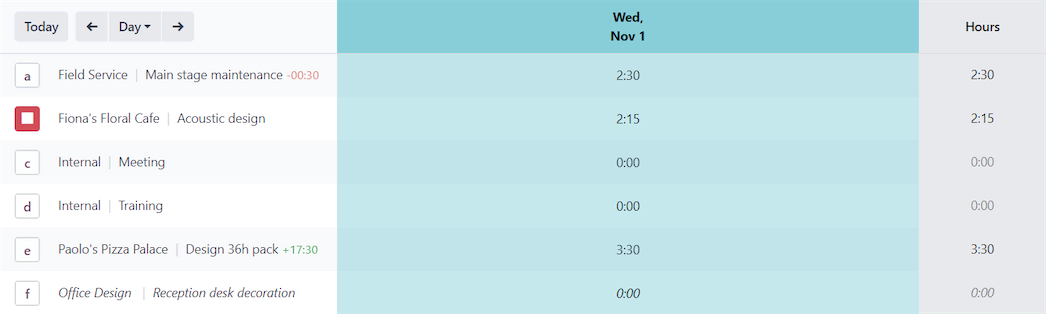

Time spent on a remote fix is logged inside the helpdesk ticket. The engineer never opens a second app.
Field-service check-in and check-out create the timesheet line, so on-site hours are recorded by simply doing the job.
Rollout and migration work is logged against its task, keeping planned versus actual effort honest.
Every line is marked billable, contract-covered or internal — the three categories that decide whether an hour becomes revenue.
A manager reviews the week and approves. Only approved time can reach an invoice, so disputes are caught internally first.
Training, internal work and leave are recorded too — giving a true utilisation figure rather than a flattering one.
An office relocation, a cloud migration or a site-wide CCTV installation involves several engineers, ordered hardware and a client deadline. Odoo Project holds the plan, the dependencies, the budget and every conversation about it in one place.
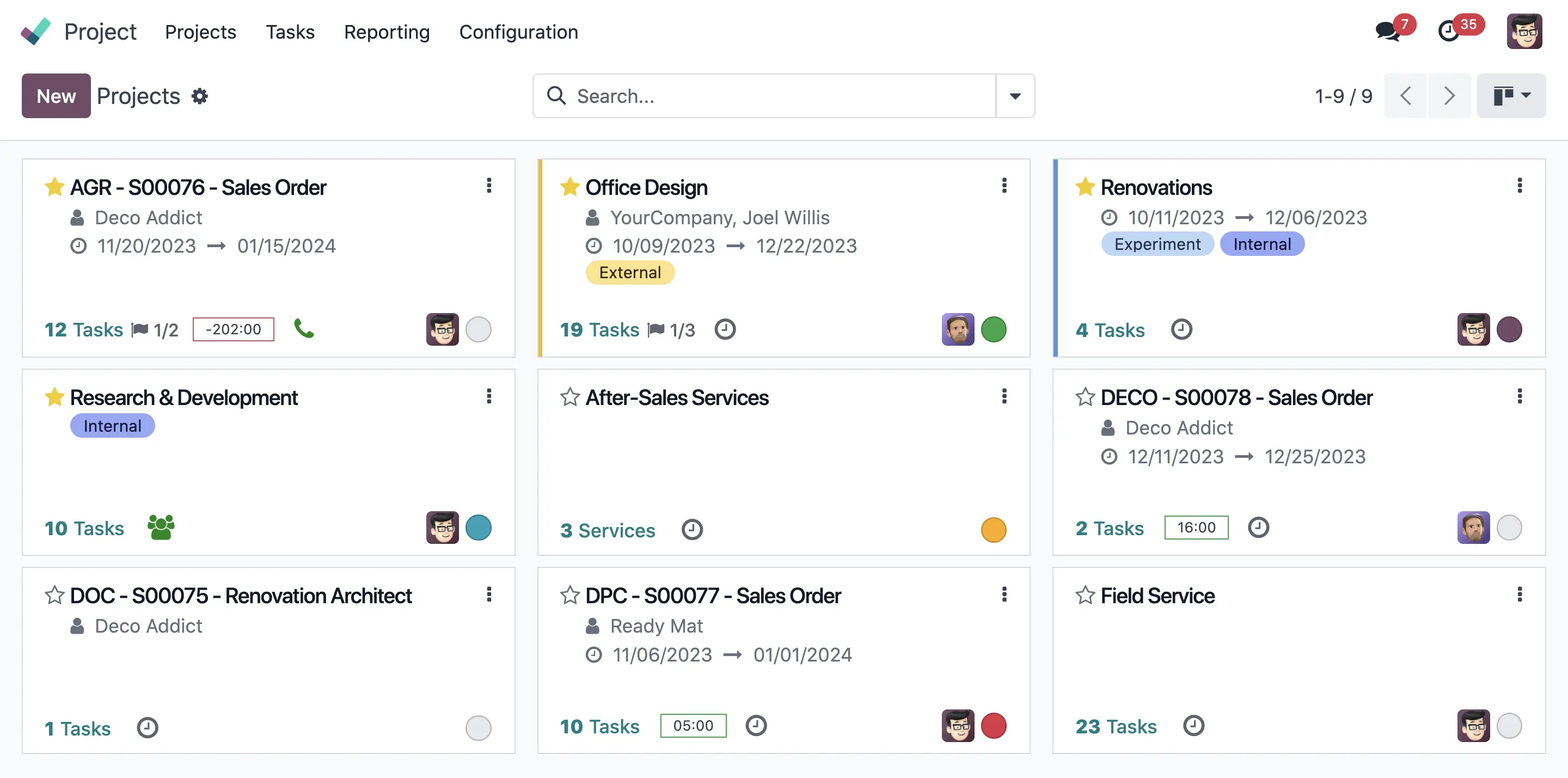
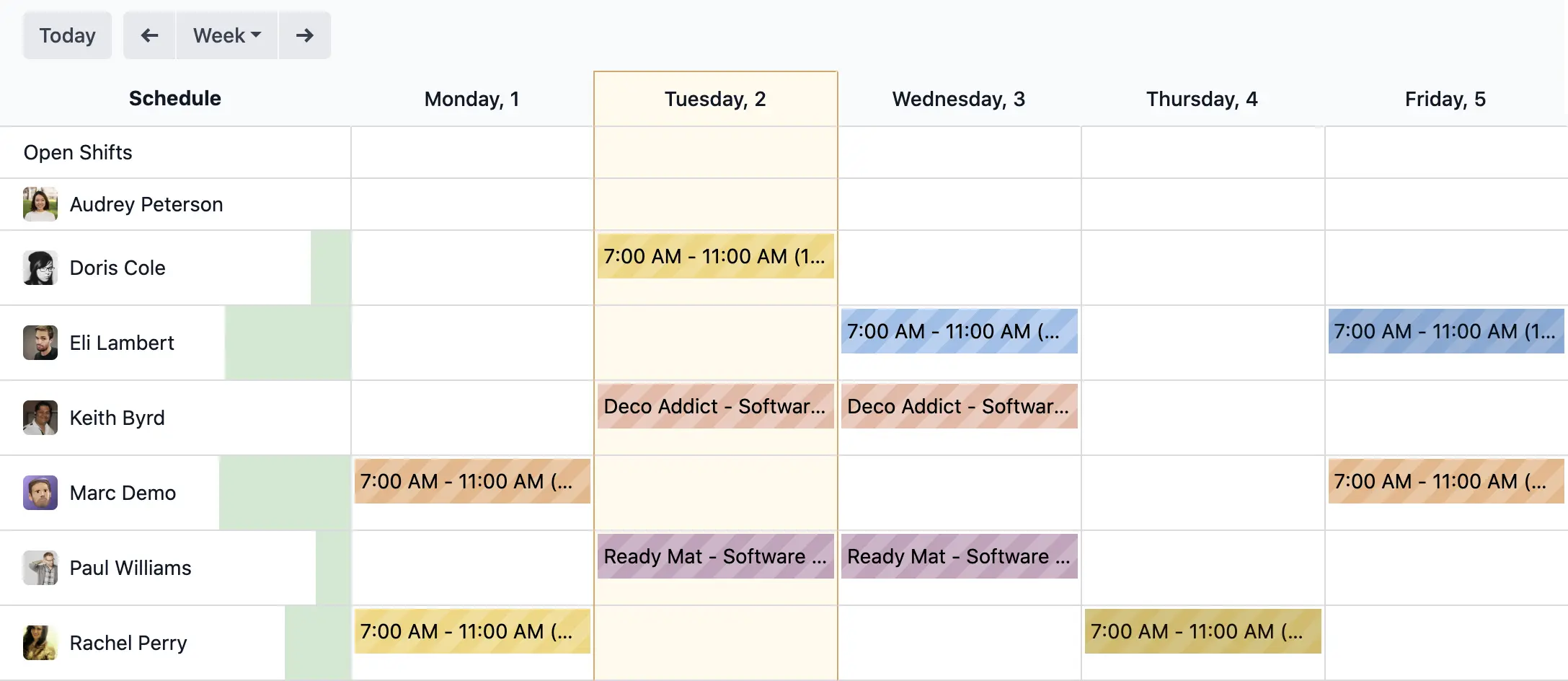
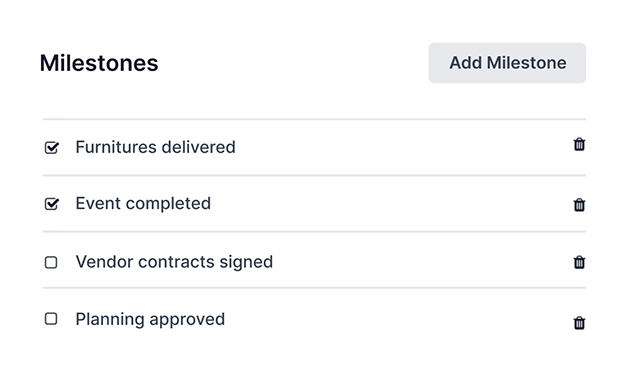
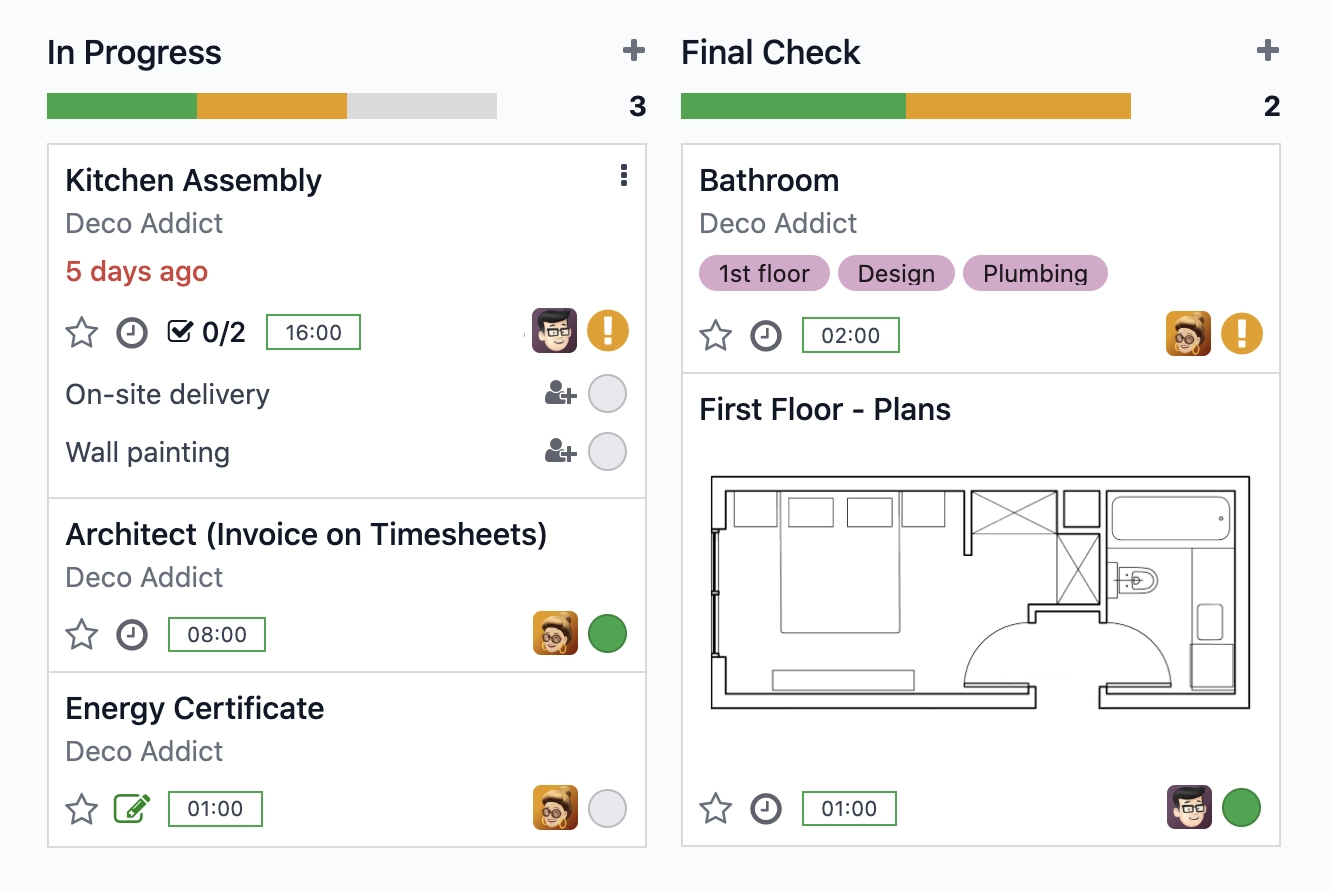
The engineer never chooses which system to use. Whatever they had open — the task, the project, the day's list of visits — is where the timer lives.
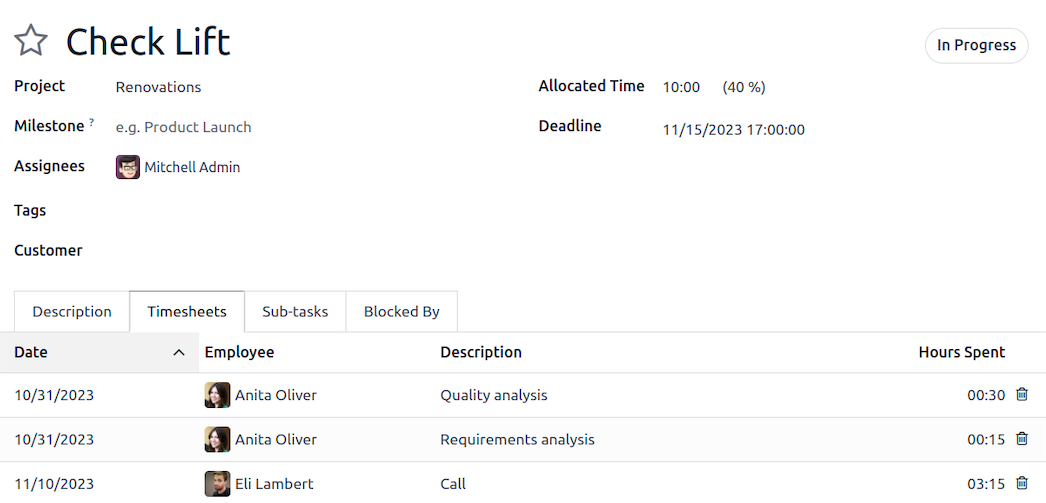
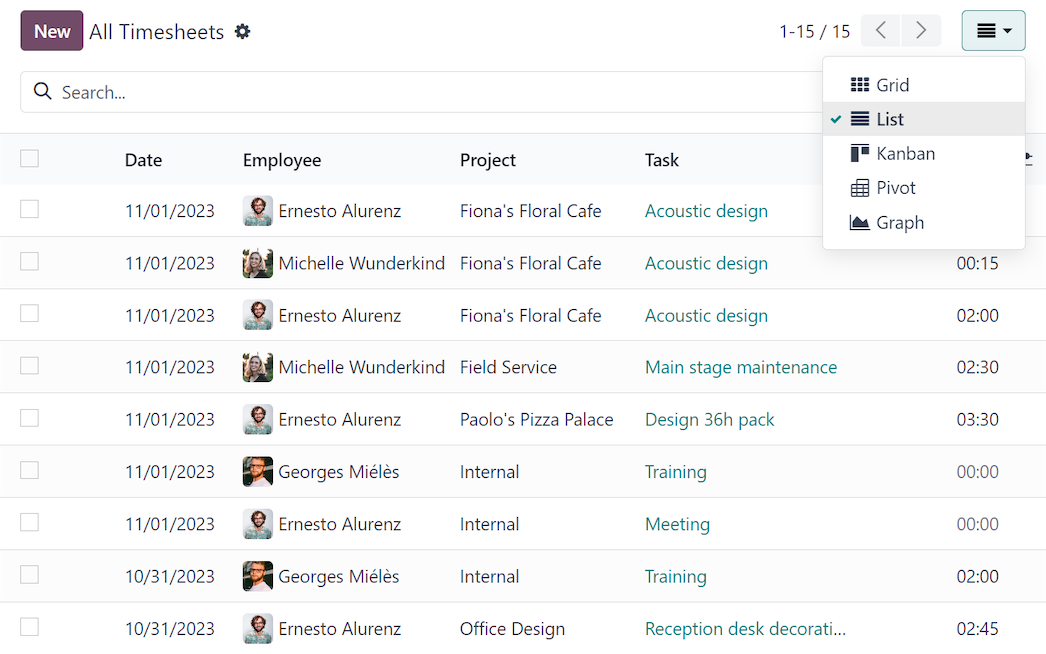
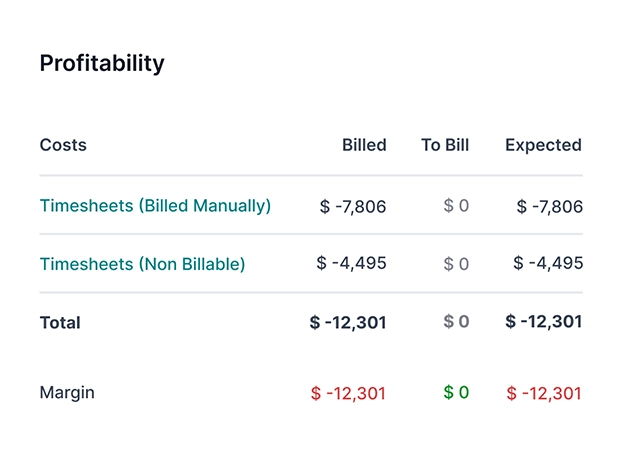
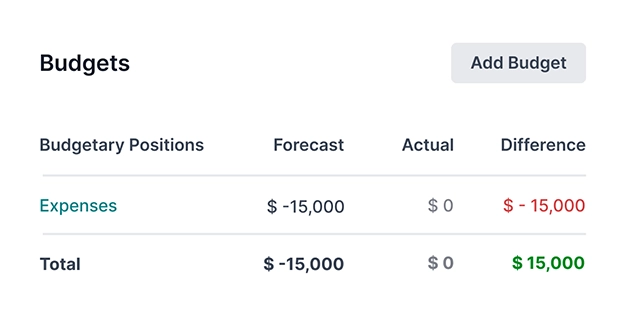
Because hours carry an engineer cost and materials carry a purchase cost, Odoo can tell Tri-Comp what an engagement actually earned — while it is still running, not after the year closes.
Illustrative structure — TechNext configures Tri-Comp's real cost rates, day rates and billing terms.
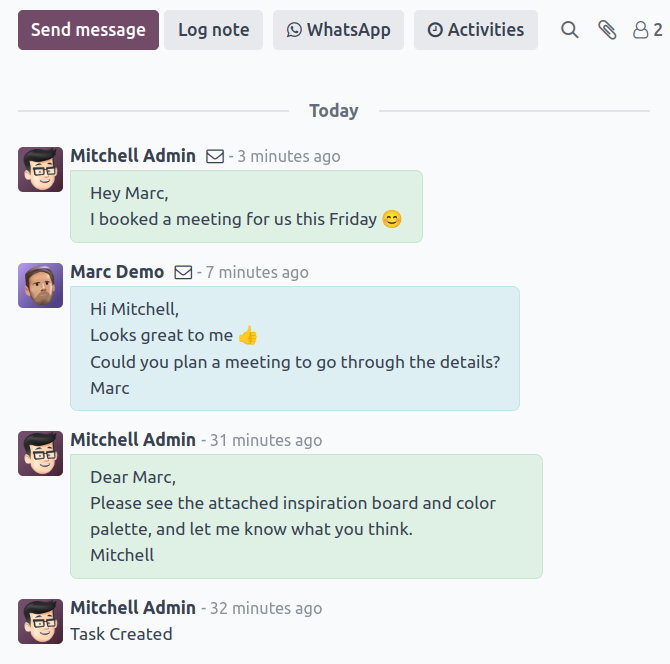
Every task carries its own thread — what the client asked for, what was agreed on the phone, the photo of the rack before the change, the approval to proceed. When an engineer is on leave or a client queries a decision made three months ago, the answer is in the task, not in somebody's inbox.
Which clients absorb the most engineer time? Is utilisation high enough to justify a fifth engineer? Which service line earns the most per hour? Odoo answers these from the same data the engineers already produce.