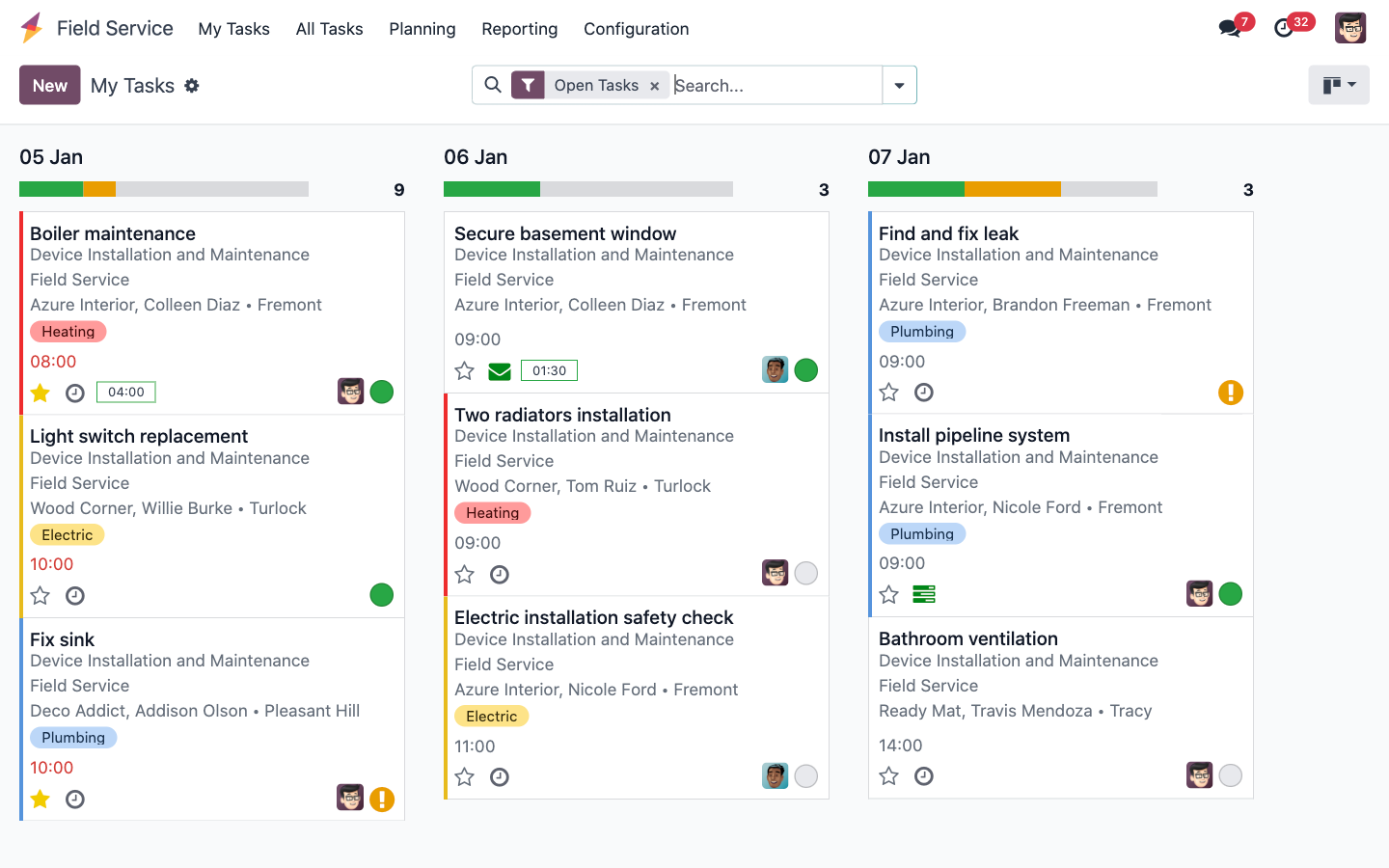
Tri-Comp's engineers spend their days at client premises — server rooms, network closets, CCTV racks, PABX cabinets. Odoo Field Service gives whoever is coordinating a live board to place every visit against real engineer availability, and gives each engineer their day's jobs, checklists, parts and client sign-off on their phone. The service report is finished before they leave the building.
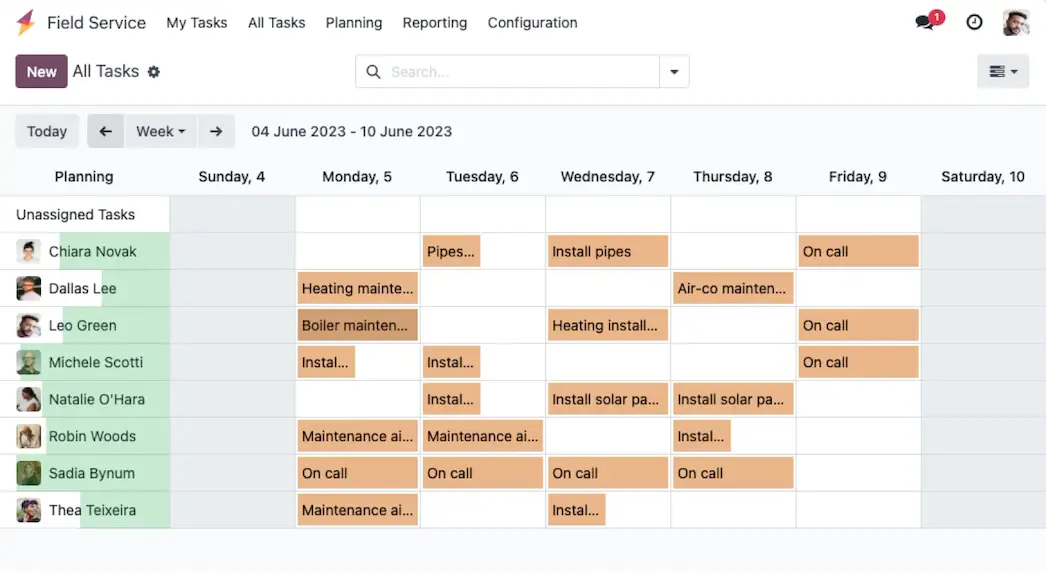
A small team is an advantage — clients get the same familiar faces — but it leaves no slack. When two sites go down in the same hour, the coordinator needs to see the whole week at once, not reconstruct it from WhatsApp.
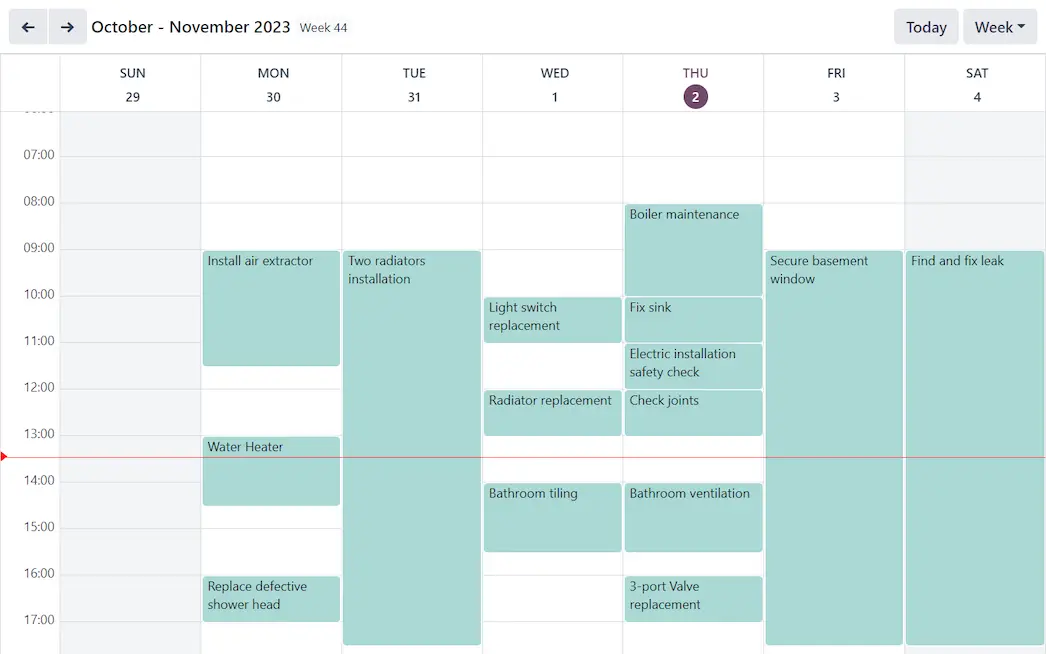
Gantt to see who has capacity this week, list to triage what's outstanding, calendar to slot a client's preferred maintenance window. Map view groups jobs by location so an engineer already in Ubi doesn't drive back across the island for a second call.
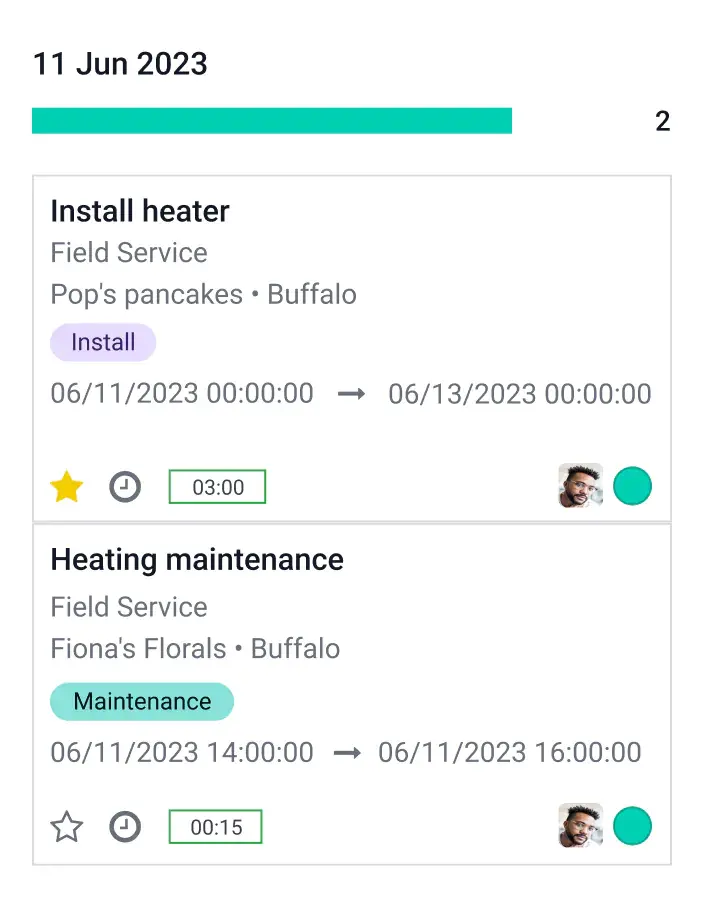
The engineer opens Odoo on the way to site. Today's visits are listed in order, the client's address opens in Google Maps, the checklist for that equipment type guides the work, and parts taken from the van are recorded against the job. The client signs on the screen, and the completed service report is emailed to them before the engineer is back in the lift.
Tri-Comp's engineers already record what they did on site. Odoo just captures it once, in a structured worksheet, and turns it into the client's report, the equipment history and the timesheet entry at the same time.
Illustrative worksheet — TechNext builds the checklist templates around Tri-Comp's actual service categories.
Tri-Comp's field work spans general IT maintenance, contracted preventive visits, security and access control, VOIP and cloud migrations. One configuration handles all of it.
When a helpdesk ticket can't be fixed remotely, it becomes a scheduled field task carrying the client, the fault history and the SLA with it. Nothing is re-typed.
Contracts that promise quarterly or monthly health checks generate their own work orders on the due date. No calendar reminder to forget.
Every visit, fault and replaced part is attached to the equipment record at that client's site — invaluable when a client questions a recurring failure or a warranty claim.
Each engineer's vehicle can be its own stock location. Parts fitted on site are deducted from the van and replenished from the office automatically.
Hours recorded on site post straight to the timesheet. Covered by contract, they draw down the client's entitlement; out of scope, they become an invoice line.
Office relocations and network upgrades are planned as multi-day projects with several engineers and dependencies — not a pile of unrelated visits.