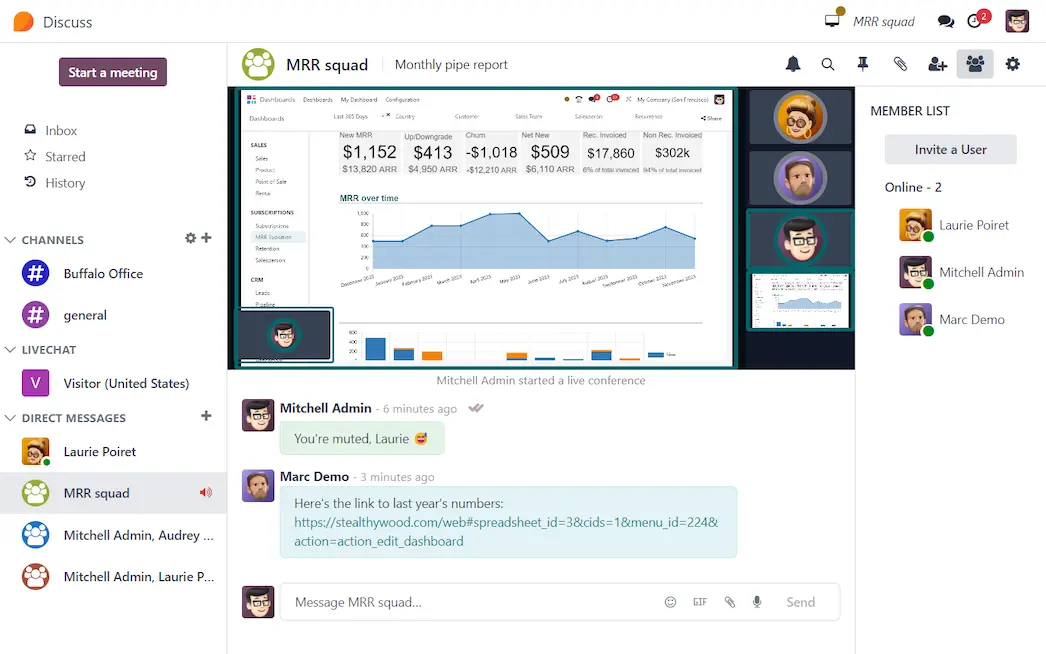
Odoo Discuss embeds conversations into JR-Tech's daily workflows, replacing the fragmented WhatsApp threads and email chains used to coordinate technicians, update customers and chase approvals. Every conversation is tied to the actual job, quotation or stock order.
A quick look at direct messages, channels and voice/video calls — the everyday communication JR-Tech's team will run inside Odoo.
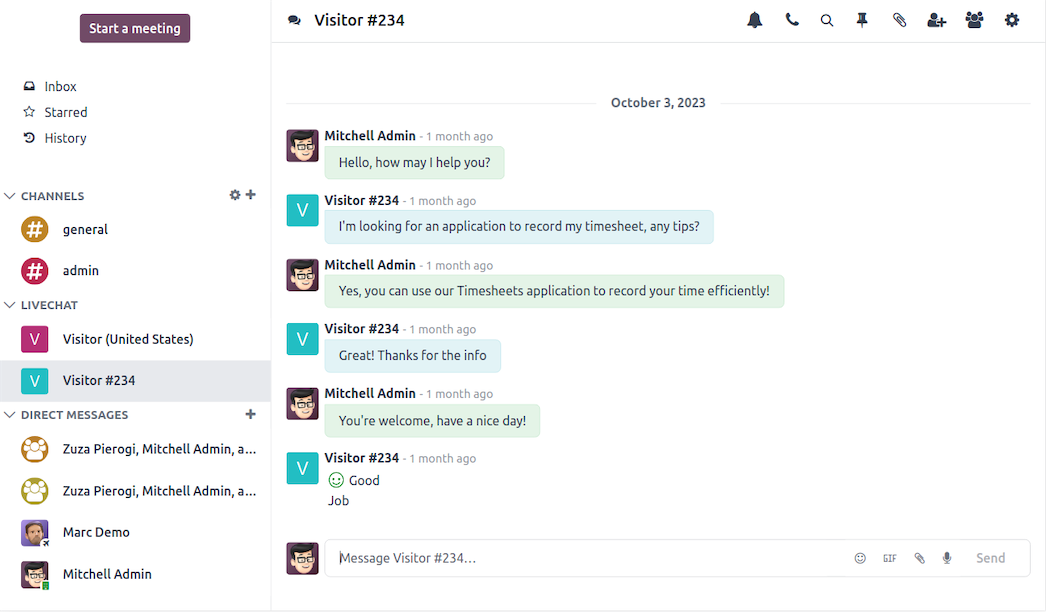
Direct messaging, WhatsApp, live chat, voice calls and video calls — all at your fingertips. Instead of jumping between apps, JR-Tech's sales, service and warehouse teams talk in one place, right next to the records they're working on.
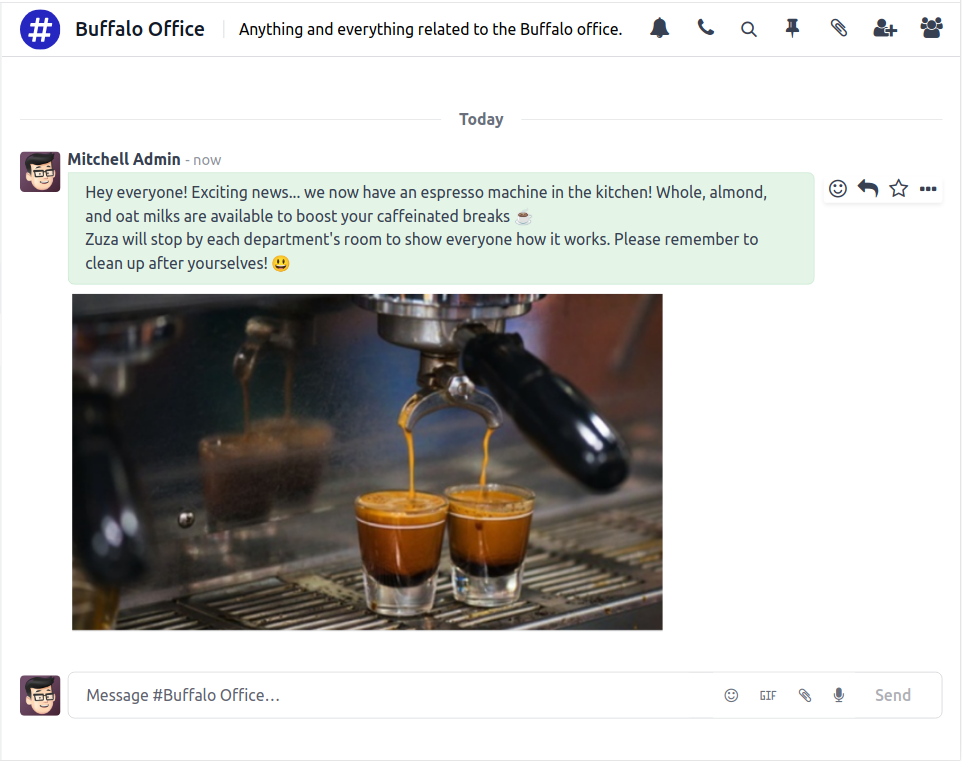
Keep everyone on the same page. Broadcast announcements, service schedules, meeting minutes and price updates to the right group — no more forwarding the same message across a dozen WhatsApp groups.
JR-Tech's customers are on WhatsApp. With Odoo Discuss, the team sends job confirmations, service reminders and invoice links directly via WhatsApp — from inside the CRM or Field Service record. No switching apps, no copy-paste.
TechNext sets up dedicated channels so the right people get the right information — without broadcasting every message to the whole company.
Coordinator and technicians discuss job assignments, spare-part needs and on-site updates — all linked to the Field Service record.
Stock team coordinates picking, receiving and replenishment requests. Linked to inventory transfers and purchase orders.
Sales team shares lead updates, quotation approvals and deal notes. Every message threads into the CRM opportunity.
Leadership channel for escalations, approvals and business updates. Pinned messages keep key decisions visible.
Every Field Service job, quotation and purchase order has its own chatter — a full audit trail of who said what, when, and why.
Hold remote briefings with suppliers, customer site managers or the leadership team — without leaving Odoo. No Zoom link needed.
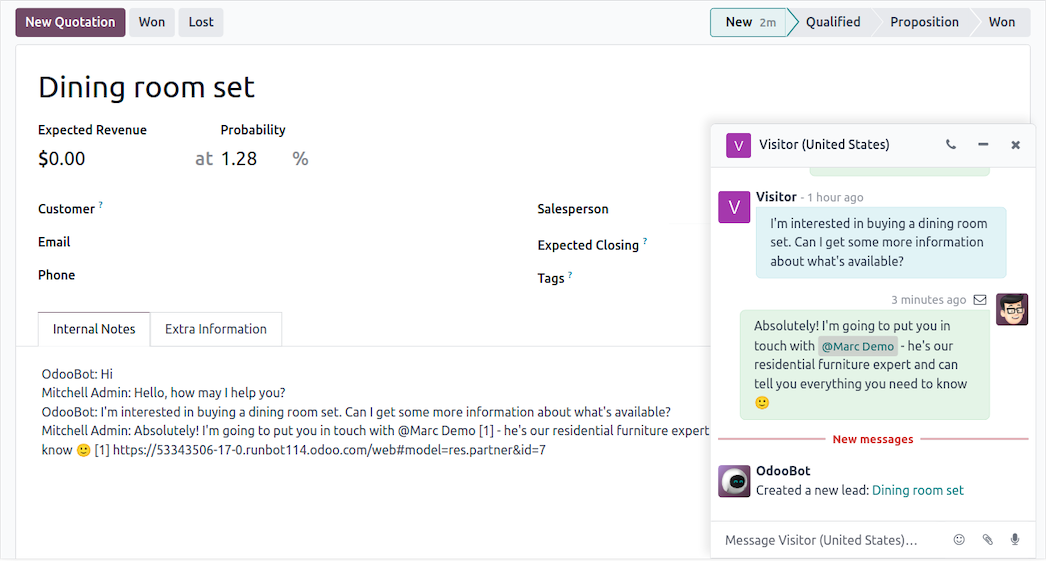
Communication with every. single. Odoo app. A message on a CRM lead, a note on a field-service job, a comment on a purchase order — it all flows through Discuss, so nothing is stranded in a separate chat tool.
Private DMs plus group collaboration on every record. Instant messaging between coworkers in real time while they work through a complicated installation or a tricky supplier order — the conversation stays attached to the work.
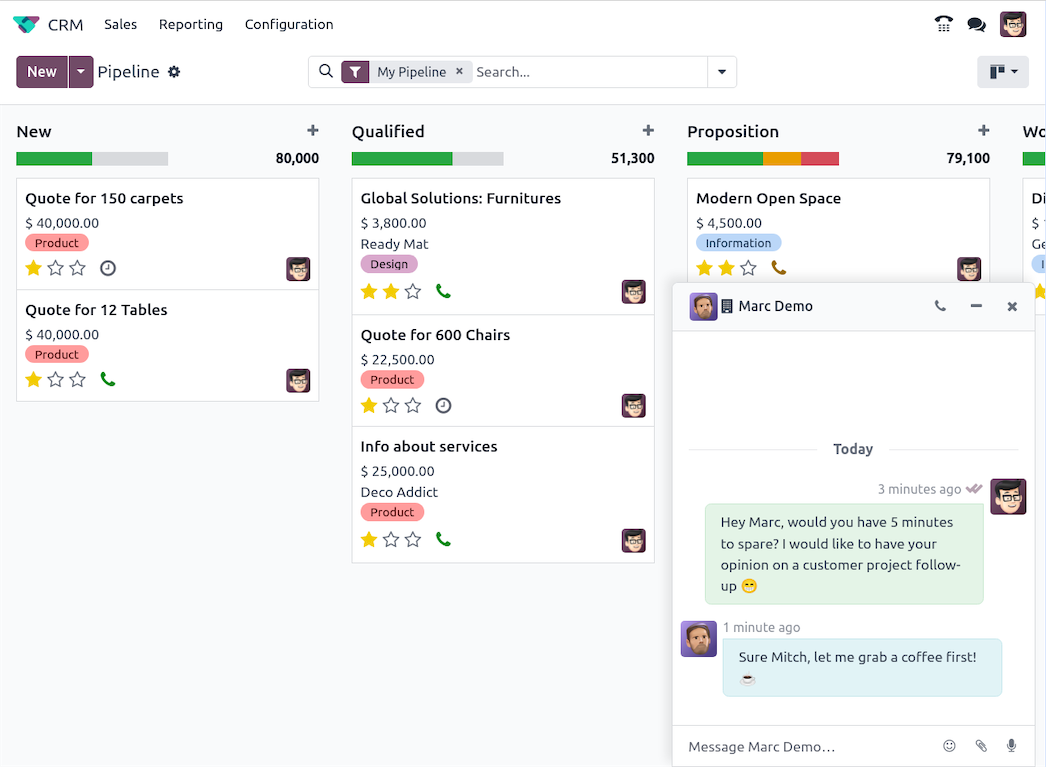
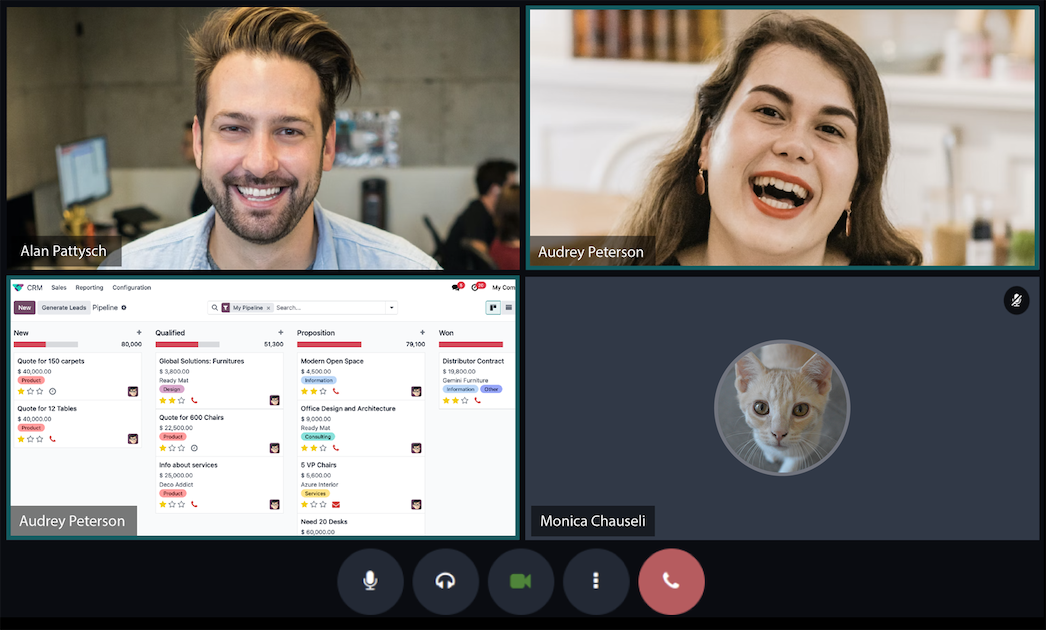
High-definition video conferencing with users and customers worldwide. Start a video chat straight from a meeting invite in the Odoo Calendar — ideal for remote site surveys and supplier briefings.
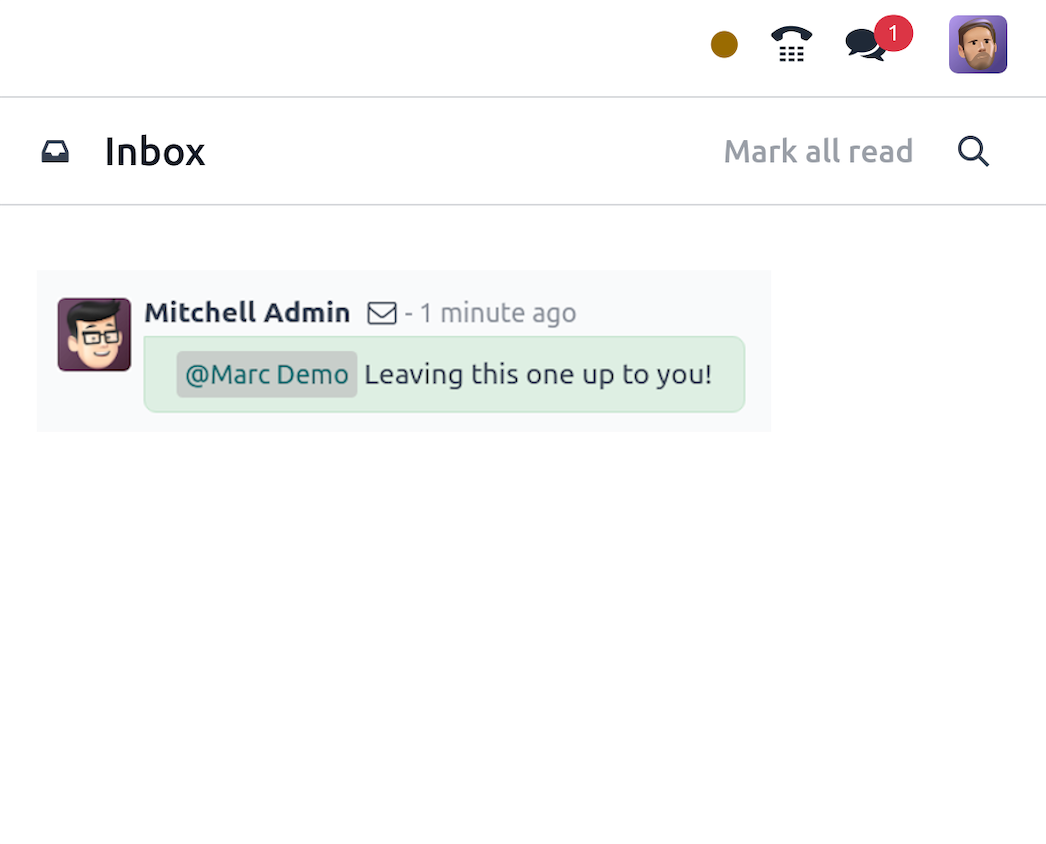
One inbox for everything Odoo. Scan responses to quotations, purchase orders and service requests from a single notification dashboard — no more hunting across records to see what needs a reply.
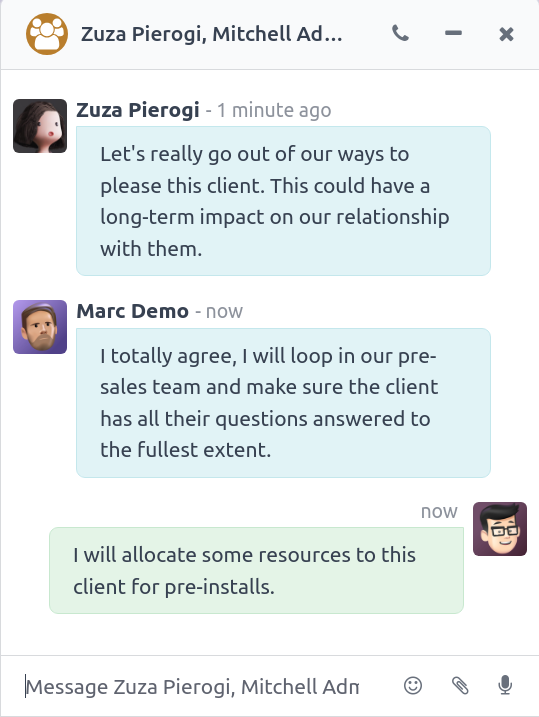
Collaborate instantly with colleagues and clients. Add team members to group DMs, video chats and channels to manage installations and service contracts as they grow — everyone stays in the loop.
One-to-one messages between team members — sales, service, warehouse — without needing phone numbers or a separate app.
Department and topic channels keep announcements and updates organised and searchable — not lost in a chat scroll.
Start a call from any conversation — quick voice notes when a text won't do, HD video for remote briefings.
Send and receive WhatsApp messages inside Odoo, so customer conversations sit next to the job and the invoice.
Share service reports, installation drawings and product datasheets in the conversation, linked to the relevant record.
Every conversation is stored and searchable — no more "I told the technician on WhatsApp but can't find it now".
Discuss is the connective tissue between the modules — conversations live where the work is.


