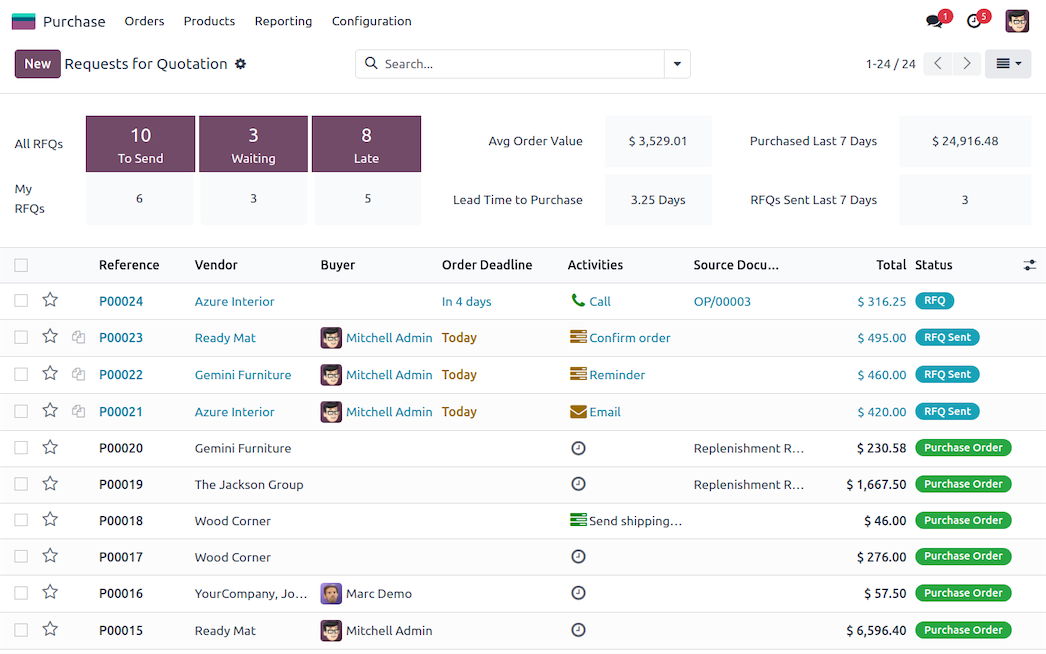
TechNext sets up Odoo Purchase so Auntie Gaik Lean restocks from real stock levels — never short mid-service, never cash tied up in a store-room full of surplus.
Set the rules once. When a tracked ingredient like nutmeg or belacan runs low, Odoo drafts the purchase order for you — and can chase the supplier to confirm the delivery date.
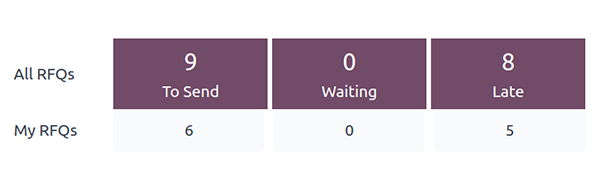
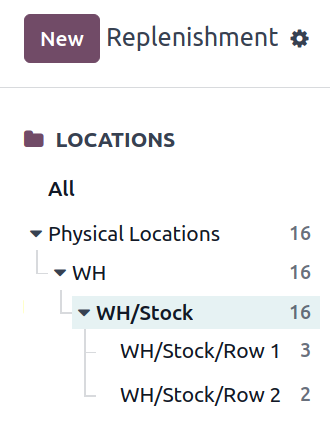
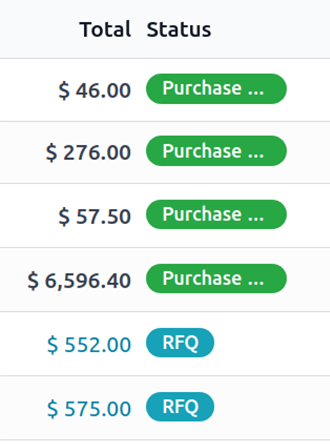
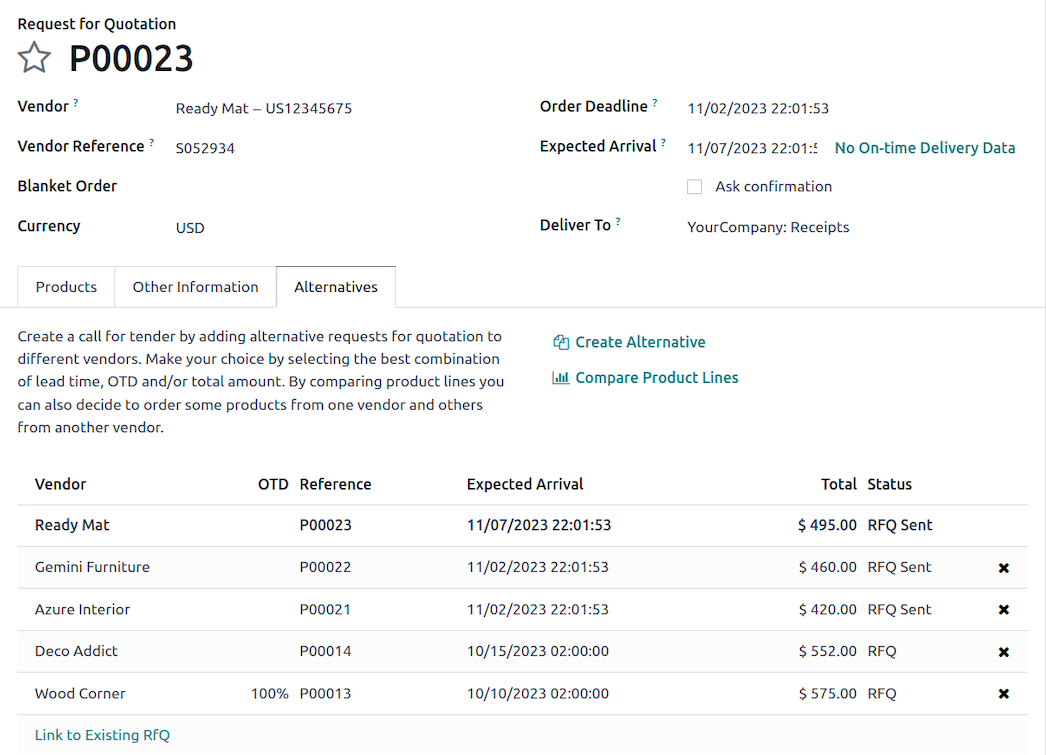
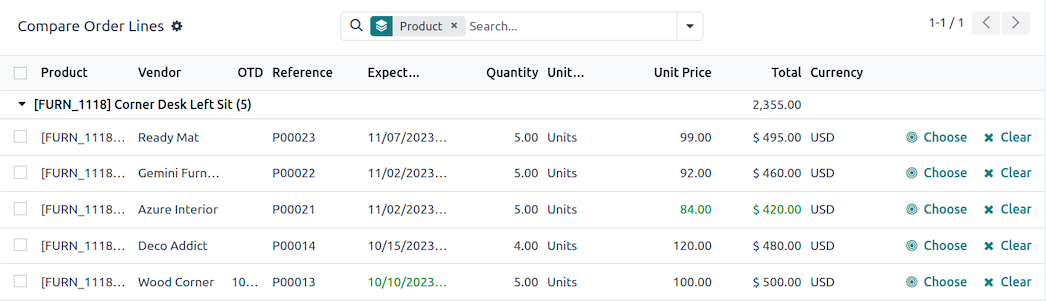
Buy the smart way for every situation. Compare quotes side by side, lock in prices with recurring agreements, and call off stock from a blanket order as the kitchen needs it.
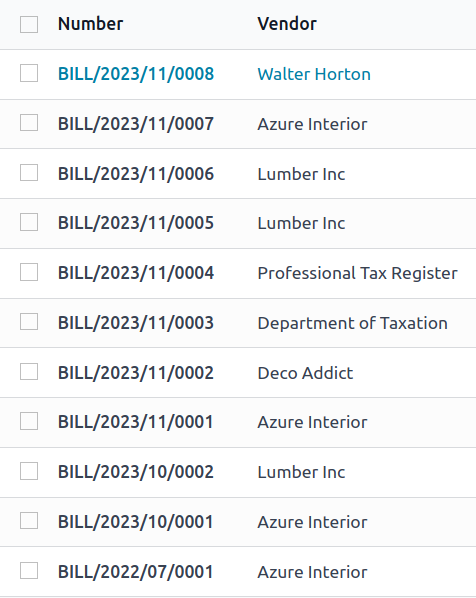
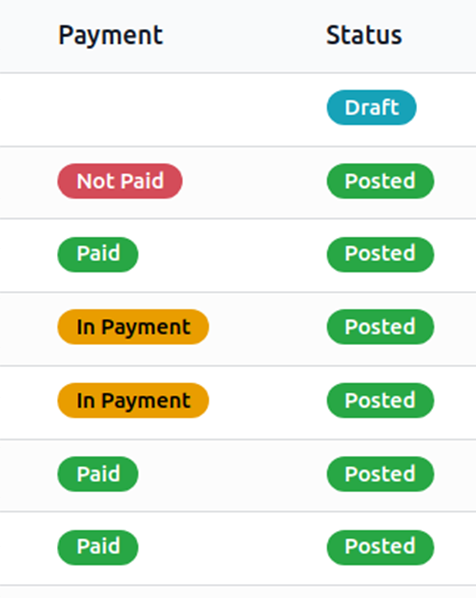
Pay how it suits you. Bill on what was ordered or what actually arrived, in one invoice or split across several, with payment status flowing straight into the accounts.
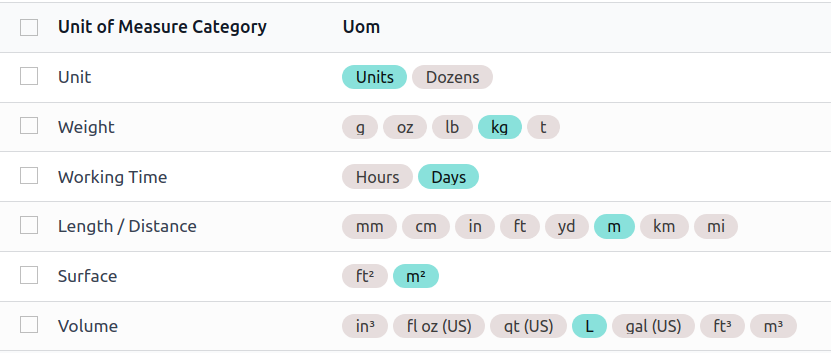
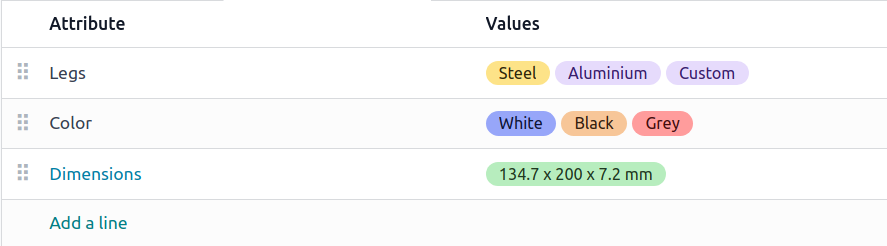
All the small stuff that makes buying work — variants, pack sizes and units of measure — kept in step with your counter and store-room.
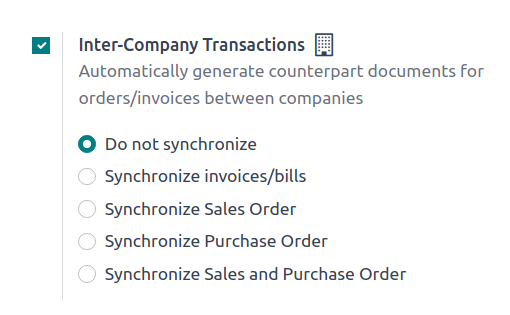
Run more than one outlet from one system, with shared suppliers and automatic bank reconciliation.
The purchase analysis dashboard shows spend and how each supplier is performing, month after month.
Approve an order from the office desktop or your phone at the market — it looks right on both.
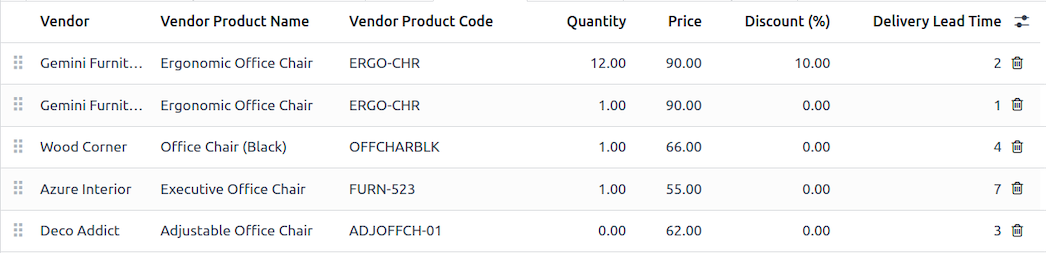
Keep supplier price lists, references and promotions on file so you always order at the best rate.
Purchasing ties into stock and the books, so ordering, receiving and paying all speak to each other.


