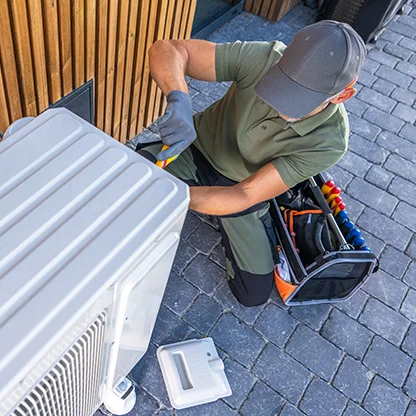
From installation to maintenance, Odoo simplifies the workflows behind the maxx, optimizes teams, and keeps every project running on time.
It used to be completely paper. Nowadays, it's completely paperless. The heart of our added value is the quality of the planning of all the resources. We really want to stick to that. One version of the truth.John KraftCFO at XLG — HVAC contractor running Odoo
Reference customer published on odoo.com/industries/hvac-services. The same planning problem sits behind Convotherm's installation and service calendar.
This is the standard Odoo HVAC Services flow, mapped to Convotherm's teams. Each hand-off below is a status change inside one database — not an email, a call, or a re-typed job sheet.
 Portal
 Helpdesk
 Field Service
 Sign
Sign
 Invoicing
Fourteen steps, four teams, one record. The gateway is the only place the flow branches — and either branch still closes the work order, so nothing is left open in the system.
Plan, assign, and track technician tasks with a drag-and-drop calendar and map view, balancing workloads and ensuring timely service delivery.
For Convotherm that means one board holding installation days, commissioning visits, contracted preventive-maintenance calls and breakdown callouts side by side — so a maxx 20.20 install and a hood service in the same city get routed to the same engineer on the same run.
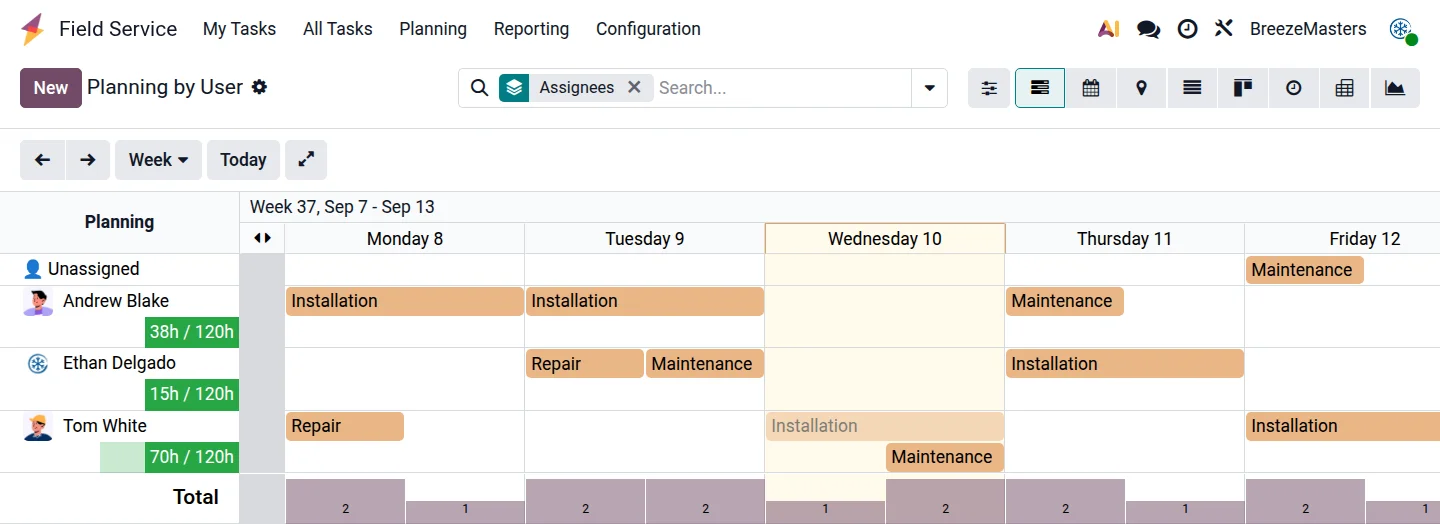
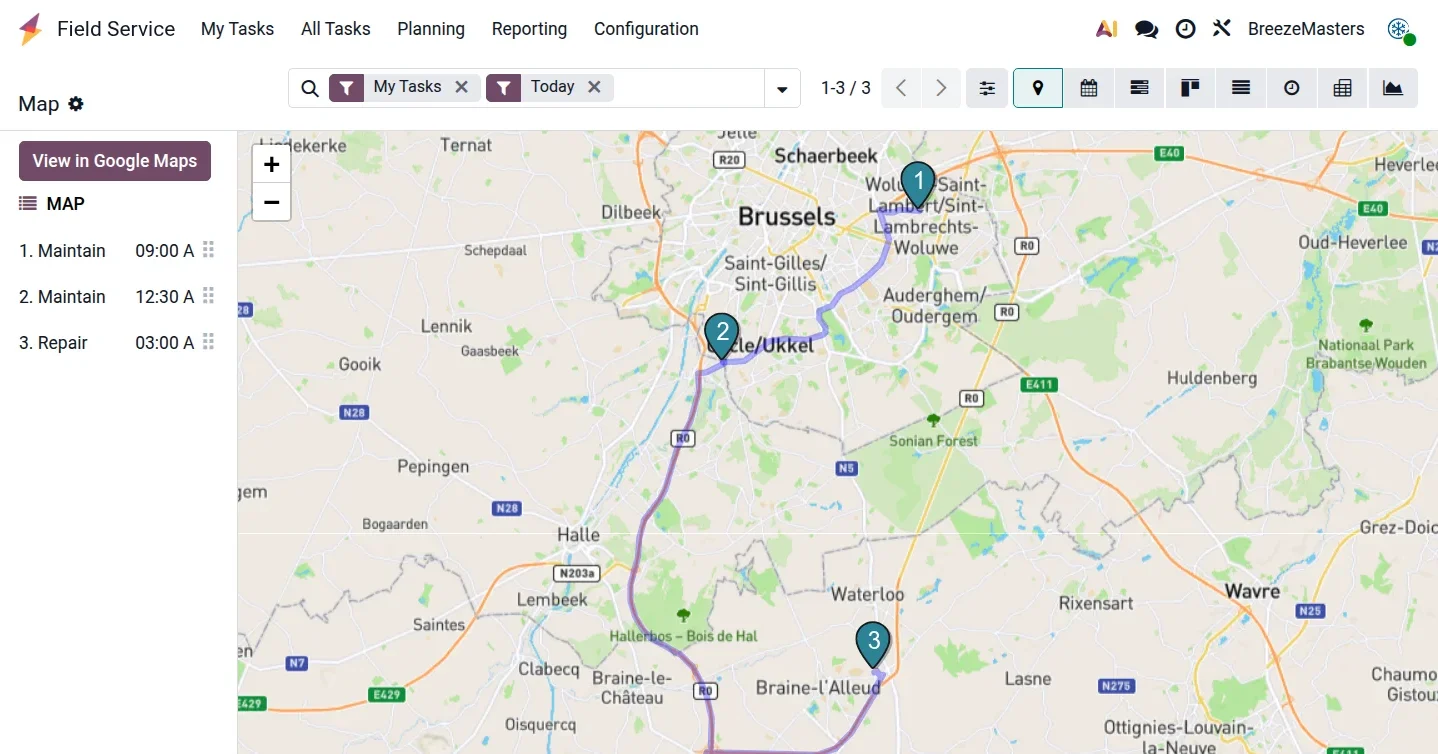
The service coordinator switches between planning views in one click — capacity first, then territory, then status. No second spreadsheet, no WhatsApp thread deciding who goes where.
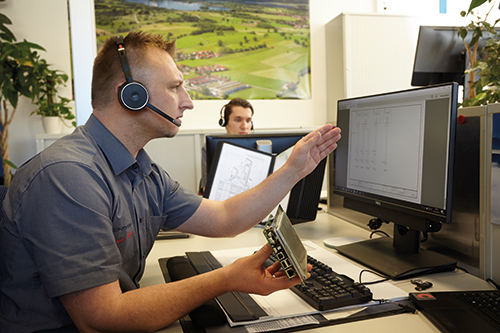
Access customer devices, serial numbers, and maintenance history instantly — enabling faster troubleshooting, warranty checks, and proactive service management.
Every maxx leaves Eglfing with a serial number. In Odoo that serial becomes a lot-tracked device record on the customer: install date, warranty end, every ConvoClean cycle logged, every part replaced, every engineer who opened the door. An inbound call is answered with history on screen instead of a search through job files.
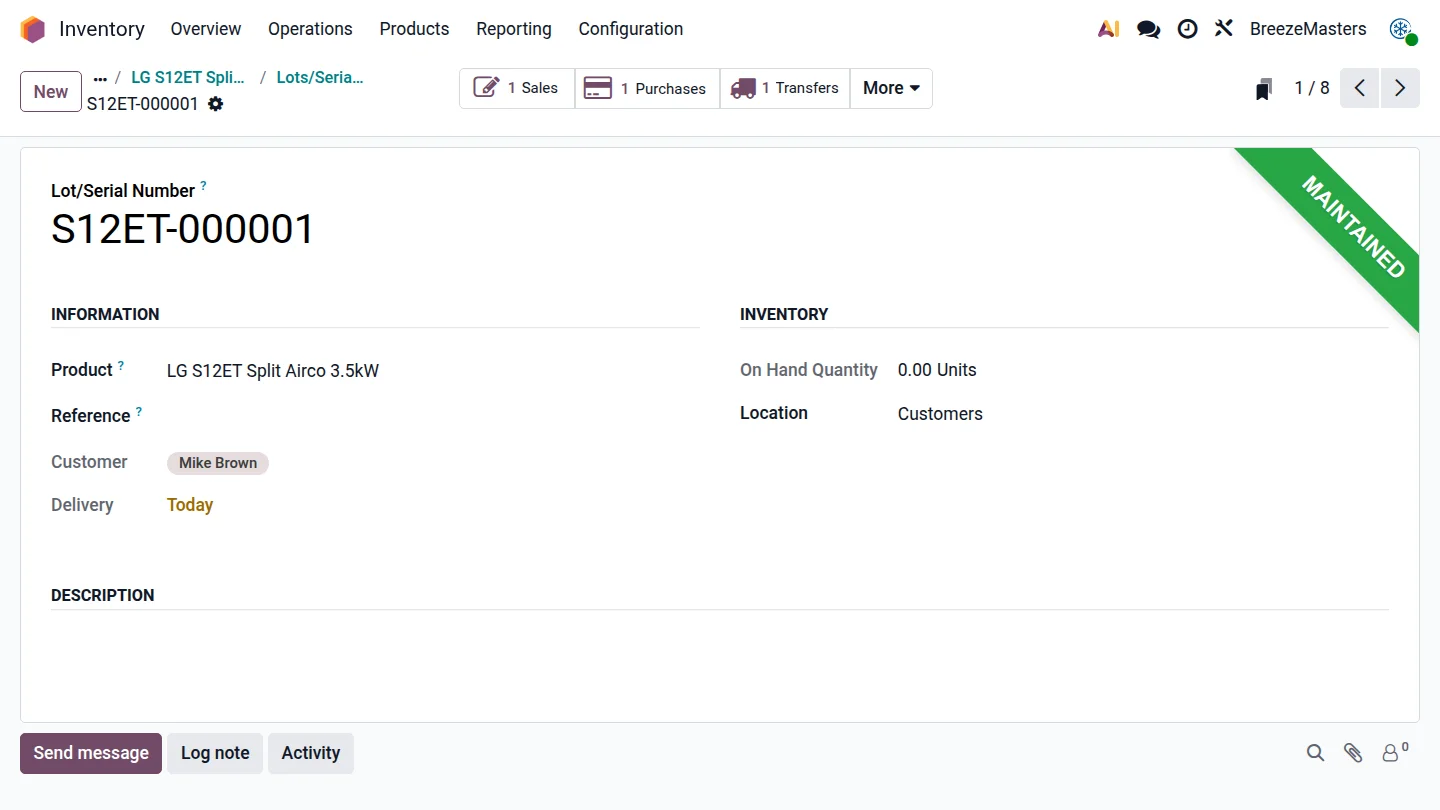
Each unit shipped is registered against the end customer and site. Dealer-sold units are attached at commissioning, so the installed base stays visible even through the channel.
Odoo shows whether the job is in warranty before the engineer is dispatched — so chargeable and non-chargeable work is decided up front, not argued about afterwards.
Every visit, worksheet, photo and part sits on the device timeline. A recurring fault pattern across a model line becomes visible instead of anecdotal.
maxx units ship with WiFi/LAN. Readings and fault codes pulled from the oven can be pushed onto the same device record, so service is triggered by the machine rather than by the complaint.
Filter the installed base by age, model or fault history and trigger a campaign — a contract renewal, a ConvoClean re-order, a HygieniCare check.
Parts consumed on site are written back to the device and deducted from van stock in the same action — inventory and history stay in sync without re-keying.
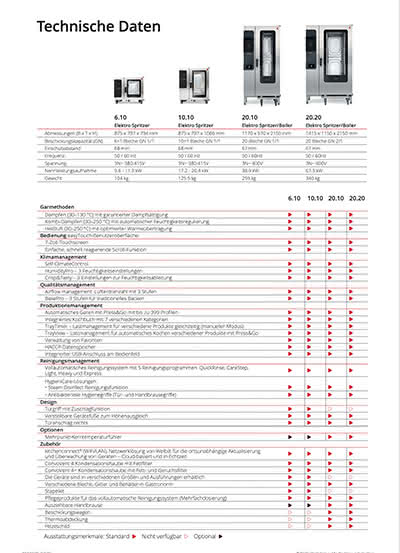
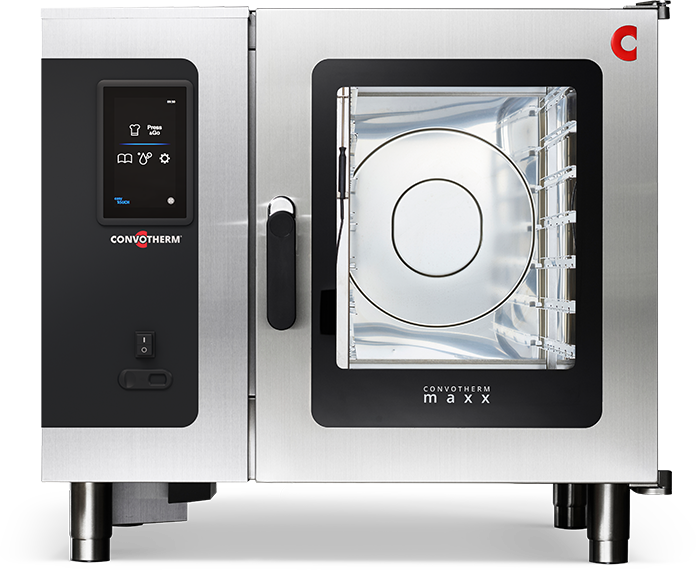 maxx 6.10Tabletop
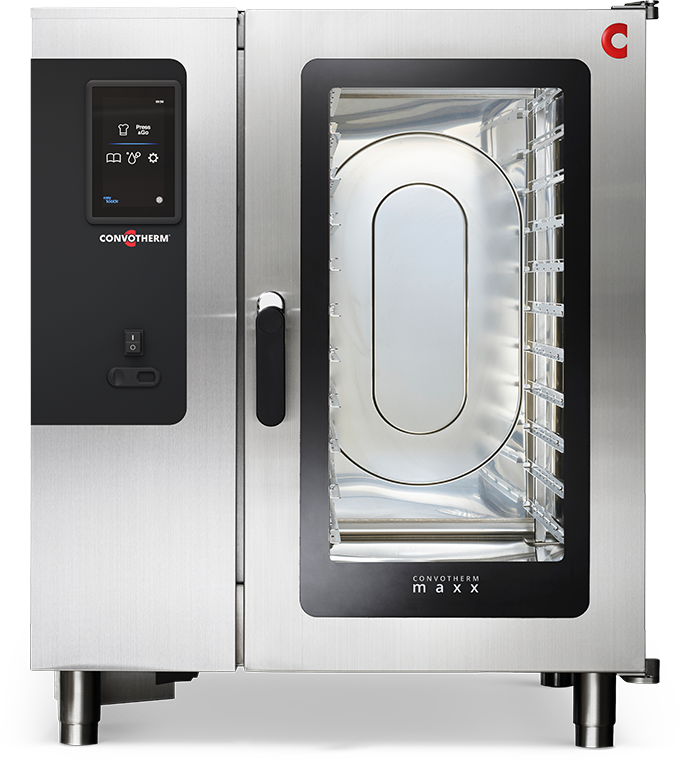 maxx 10.10Tabletop
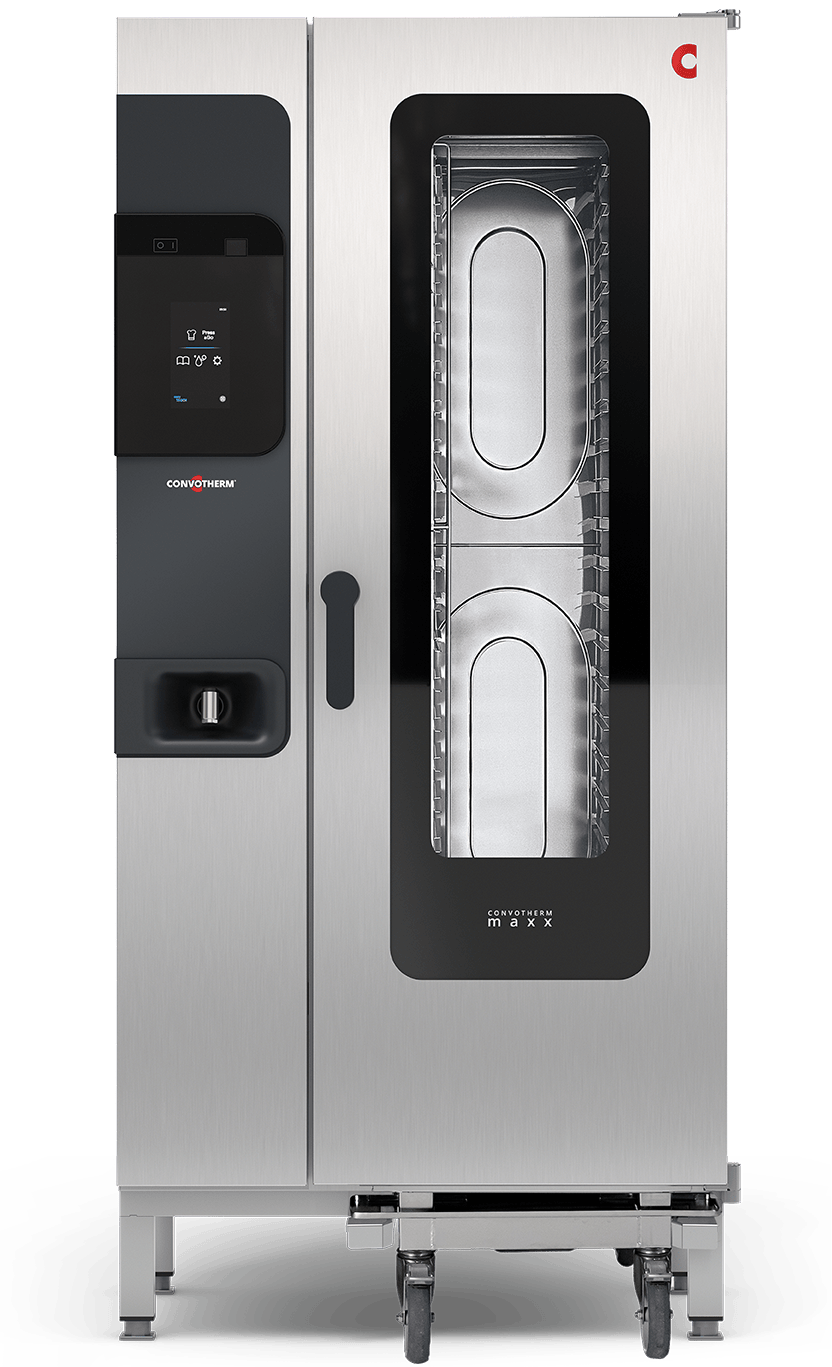 maxx 20.10Floor standing
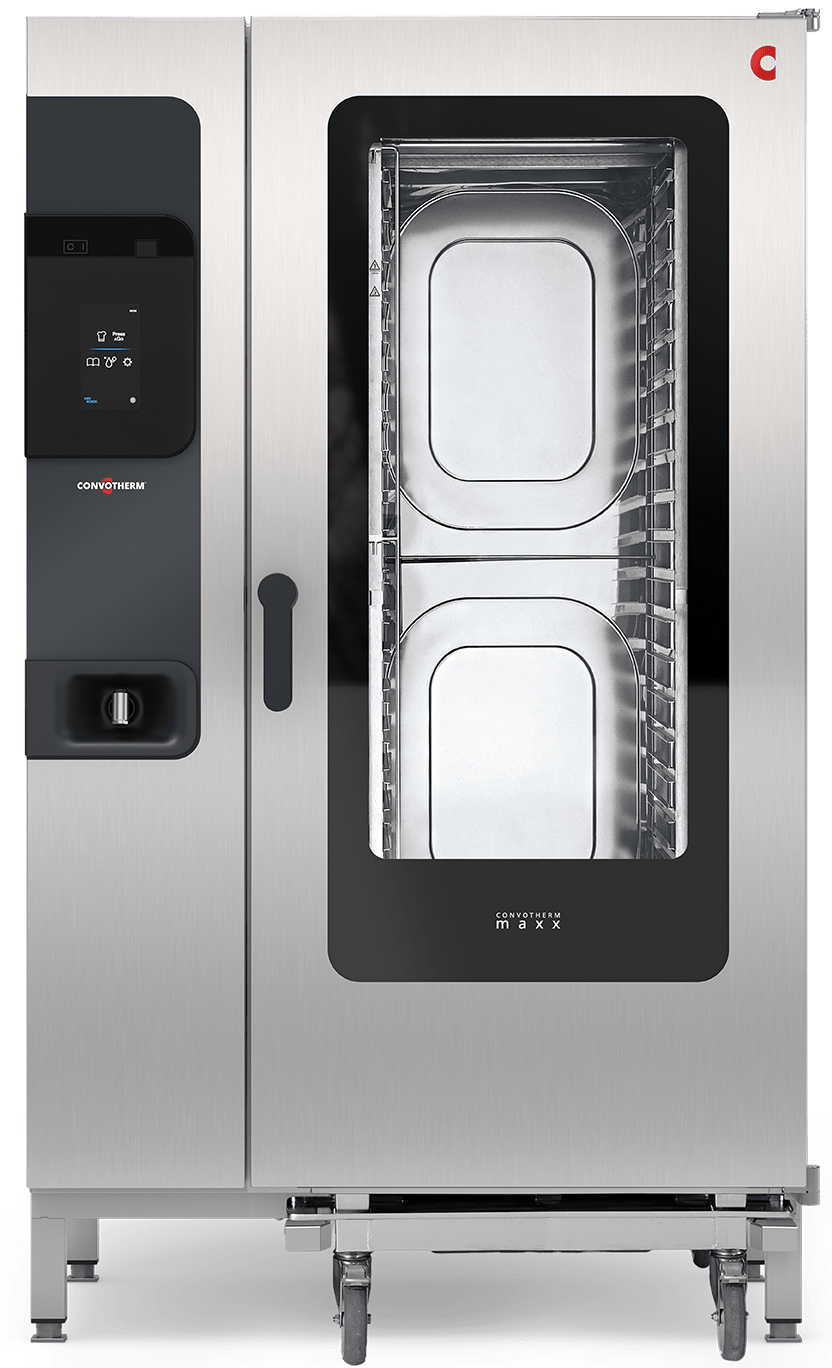 maxx 20.20Floor standing
Each unit in the field becomes one tracked device record — regardless of whether it was sold direct or through a dealer.
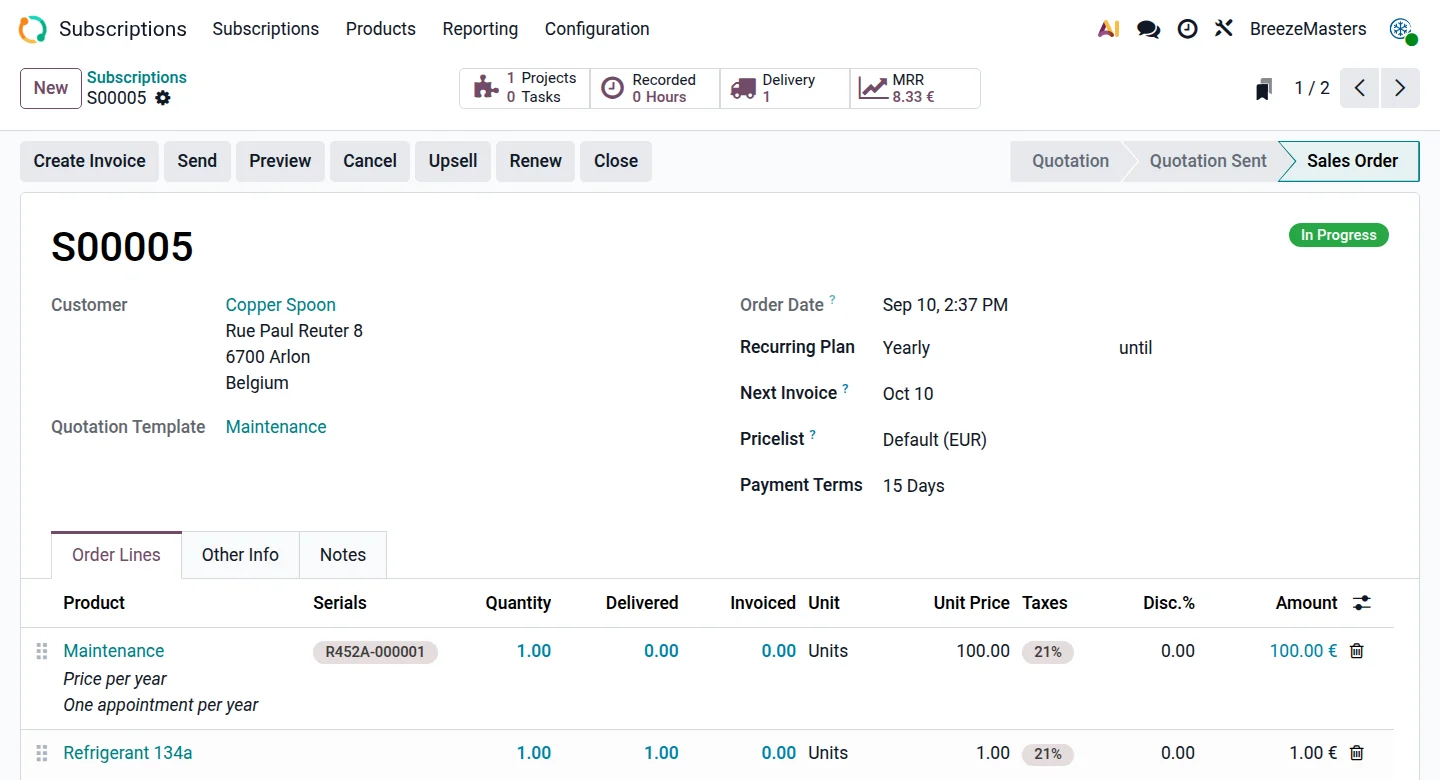
Transform one-off maintenance into ongoing service contracts with subscriptions and recurring tasks — keeping technicians busy, customers happy, and revenues predictable month after month.
A maxx sale becomes an annuity: a service plan is quoted alongside the oven, billed on a schedule by Odoo Subscriptions, and it generates its own preventive-maintenance work orders. The kitchen never lapses; the service book never empties.
Monitor regulated manipulations during interventions and adhere to monitoring regulations.
Odoo's HVAC build logs refrigerant handled per job — recovered, charged, leak-tested — with the engineer's certification attached. For Convotherm the same field set covers the F-gas side of ConvoVent condensation and heat-recovery units, and the identical mechanism records ConvoClean chemical consumption and HygieniCare checks per intervention. The report is a filter, not a rebuild.
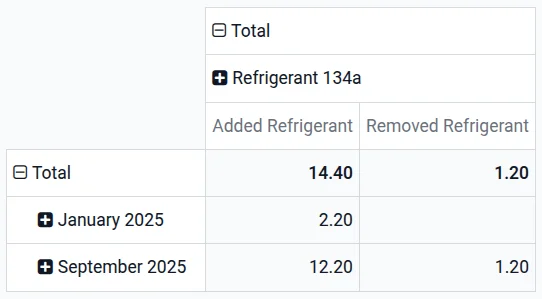
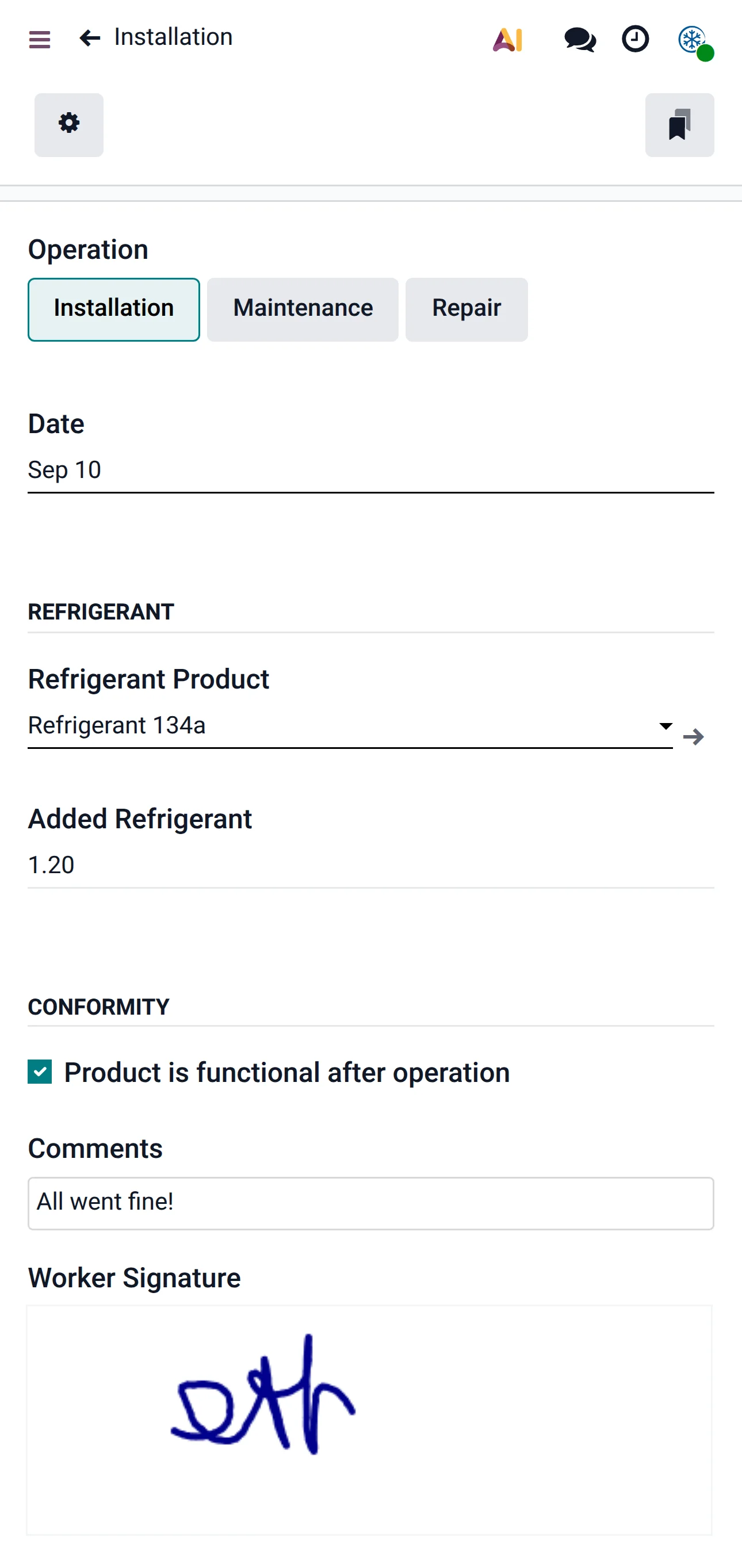
Odoo ships this as refrigerant tracking for HVAC contractors. Which regulated items Convotherm logs — F-gas, cleaning chemicals, water treatment — is a configuration decision at implementation, not a development one.
Today's visits are listed on the phone. The site address opens in Maps. The worksheet guides the commissioning checklist. Parts used are recorded on the spot, the customer signs on screen, and the invoice leaves before the van does.
Build accurate quotations from predefined templates tailored to a maxx installation, a ventilation retrofit or a maintenance plan — equipment, labour, travel and commissioning in one document.
Track spare parts, seals, filters and ConvoClean consumables with smart reordering rules — across the central warehouse and each engineer's van — so a repair is never postponed for a part.
Engineers open tasks, log time, complete the worksheet and record materials used straight from their smartphone, online or off.
Plan visits with drag-and-drop calendars and keep workloads balanced across the whole team, including subcontracted dealer technicians.
Automate recurring service visits from the contract so breakdowns fall, uptime rises, and no contractual obligation is quietly missed.
Turn a completed work order into an invoice in one click — parts, labour and travel already priced — and get paid faster with no extra admin.
The Odoo HVAC Services blueprint runs on six core apps. Helpdesk and Sign join them to close the intake and signature steps in the flow above. Everything else in Odoo plugs into the same database when Convotherm is ready for it.


The blueprint above, configured against Convotherm's own service reality — not a generic install.